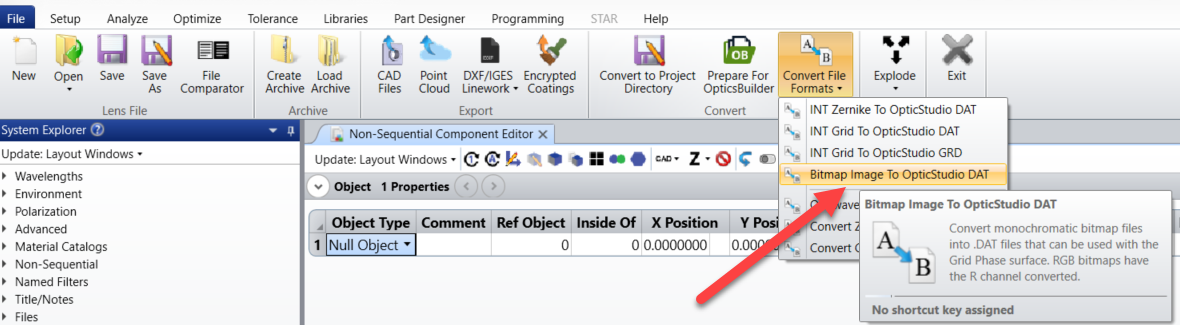
Is there a way to import an image into OpticStudio and have that incorporated into the light path? For example, I’d like to import an PNG file (Example: a white background with a black rectangular outline) and have light passing through it and observe the wavefront distortions that result. How can I do this?

Solved
Phase Mask

Best answer by Mark.Nicholson
Hey Madison,
The Slide Surface in sequential mode and Slide Object in non-sequential mode will allow you to import a bitmap image and then pass rays through it. Note that it is the intensity of the rays that is modulated by the bitmap, not their phase.
- Mark







Enter your E-mail address. We'll send you an e-mail with instructions to reset your password.


Need more help?
To Chinese users:
Do not provide any information or data that is restricted by applicable law, including by the People’s Republic of China’s Cybersecurity and Data Security Laws ( e.g., Important Data, National Core Data, etc.).
不要提供任何受适用法律,包括中华人民共和国的网络安全和数据安全法限制的信息或数据(如重要数据、国家核心数据等)。