
Question

How to open a Zemax file in a ZPL macro

  • February 10, 2026
  • 2 replies
  • 55 views

superkraken

Good morning everybody!

I do have a question regarding the opening of zmx files in Zemax Programming Language.

Basically, I just ran a 250 Monte Carlo tolerancing analysis on my system (and I saved them all). I also created a custom Merit function used to compute the optical quality of my system and to compute important parameters such as focal length, chief ray position on the detector, etc…
Is there a way to easily obtain the Merit function for all of the 250MC? Maybe there is something to do with ZPL but it would require for ZPL to be able to open other zmx files. I don’t even know if that’s possible.

Or maybe there is an easier way to do so (such as saving the Merit function directly during the tolerancing analysis but I didn’t find this option).

So if any one here has already experienced the same need, I would be more than happy to have some help!

Thank you very much :D
2 replies

David.Nguyen
Luminary
Forum|alt.badge.img+2
  • Luminary
  • February 23, 2026

@superkraken 


From your description, it sounds like it should be possible with ZPL (and/or ZOSAPI).

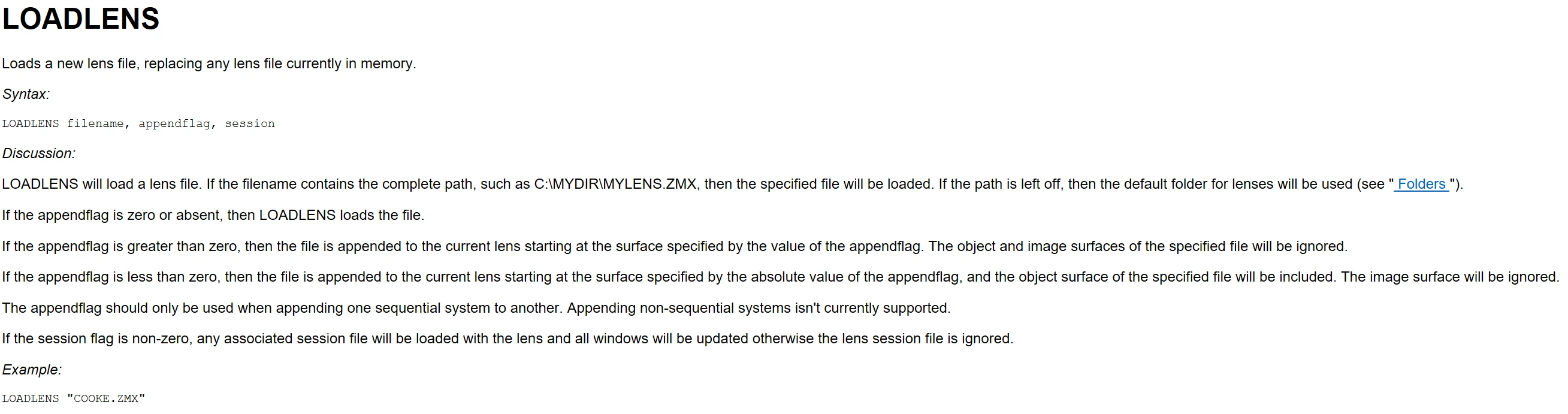
In ZPL you have the keyword LOADLENS to open ZMX files.

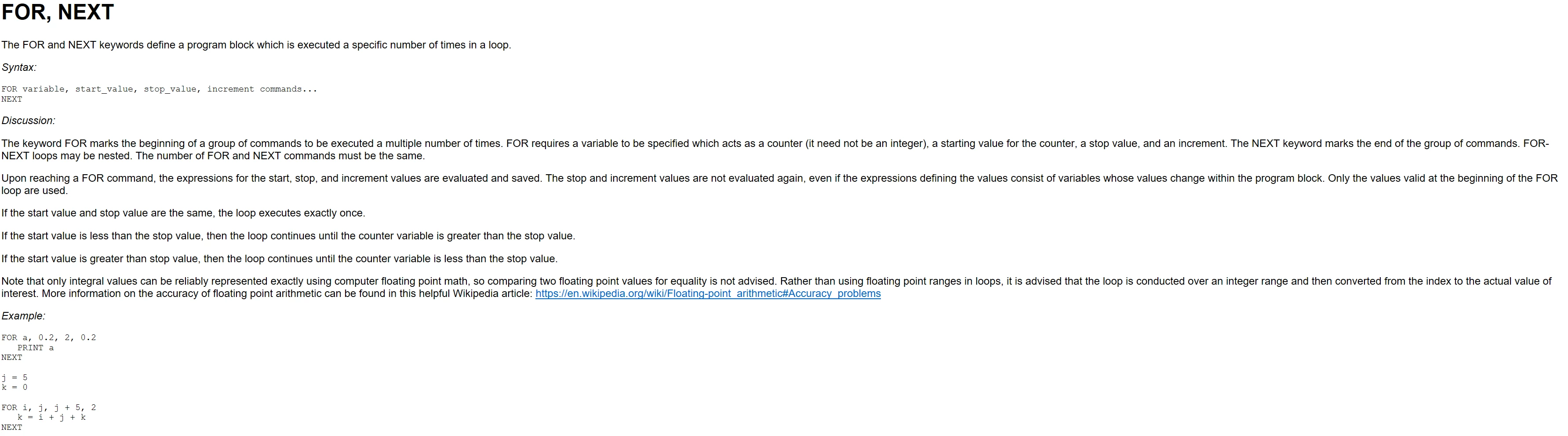
In ZPL you also have FOR loops so you can loop across your 250 files:

You can also load a specific Merit Function with LOADMERIT:
 

To update the Merit Function, you can use the numeric function MFCN() and to retrieve a specific row of the Merit Function you can use OPER(row, col).

I hope this helps and please let us know if you need help drafting the macro.

Take care,


David


superkraken
  • Author
  • Monochrome
  • February 23, 2026

Hello David,

Thank you very much for this detailed answer! I will try this method and see how that works :D

Eitan