


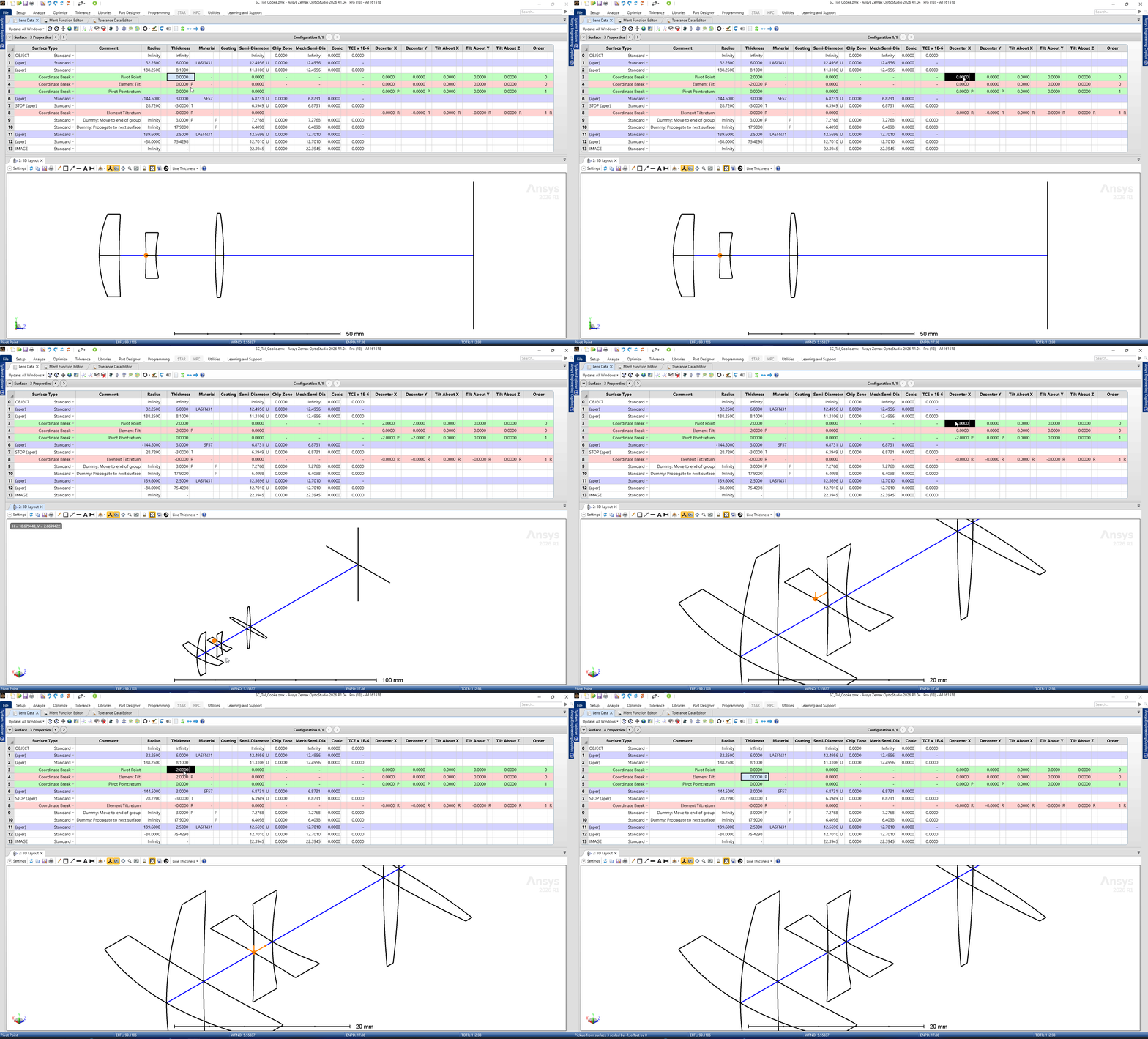
I applied the Tilt/Decenter Elements to Pivot and Decenter the middle Lens in Zemax example found in "Zemax\Samples\Short course\Optical System Design Using OpticStudio\SC_Tol_Cooke.zmx".
The Pivot X, Y, Z values controls the X, Y, and Z coordinates in lens units of the point of rotation. This point is either in local or global coordinates as controlled by the Global Coordinates checkbox. In this example, it is in local coordinates.
However, the Pivot point as highlighted by the ORIGIN point in Orange works well for X and Y, but not in Z. No matter what value I apply to “THICKNESS” value in surface 3 “Pivot Point” it does not seem to offset the Pivot Point in Z axis.
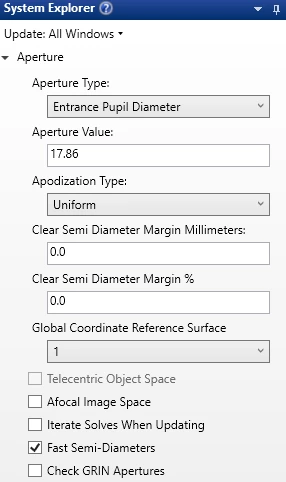
The GCRS is set to Surface 1
Can someone please confirm if this is the right way to use/apply Pivot and Decenter using the Tilt/Decenter Elements Tool.
Cheers!